
Dynamic package routing with metadata, send from Iconik, and other updates to the world’s most intelligent MFT platform
MASV cloud-based file transfer isn’t the only thing around here that’s quick: Our engineering team is pretty fast on their feet, too. They just won’t stop coming out with new productivity and security features, which is why we’ve got a quick-hit MASV product update roundup post coming in hot. 🔥
Think of this as speed dating for new MASV capabilities: Have a seat, maybe grab a drink, get to know each one a little bit better – and if one or two strike your fancy, you can circle back to them later and get their deets.
Ready? Ready. Let’s get it.
Table of Contents
Get all the features with MASV
Unlike most MFT platforms, MASV offers no-code integrations, automations, channel bonding, and other features right out of the box.

Dynamic Package Routing with Custom Metadata
Along with their powerful one-to-many file transfer capabilities and drag-and-drop simplicity, MASV Portals now support dynamic package routing with custom metadata. That means you can set up filters that route automatic transfers to integrated destinations.
So what’s the upshot?
- Users can leverage information entered by collaborators in their Portal’s Custom Forms to route packages to specific cloud or on-prem integrations (such as Amazon S3, Frame.io, or Synology NAS).
- Users can also specify which files in a package will be delivered to an integration based on the information the sender provides.
You can find dynamic package routing filters in the Portal Integration Settings window.
Check our help documentation on dynamic package routing with custom metadata.
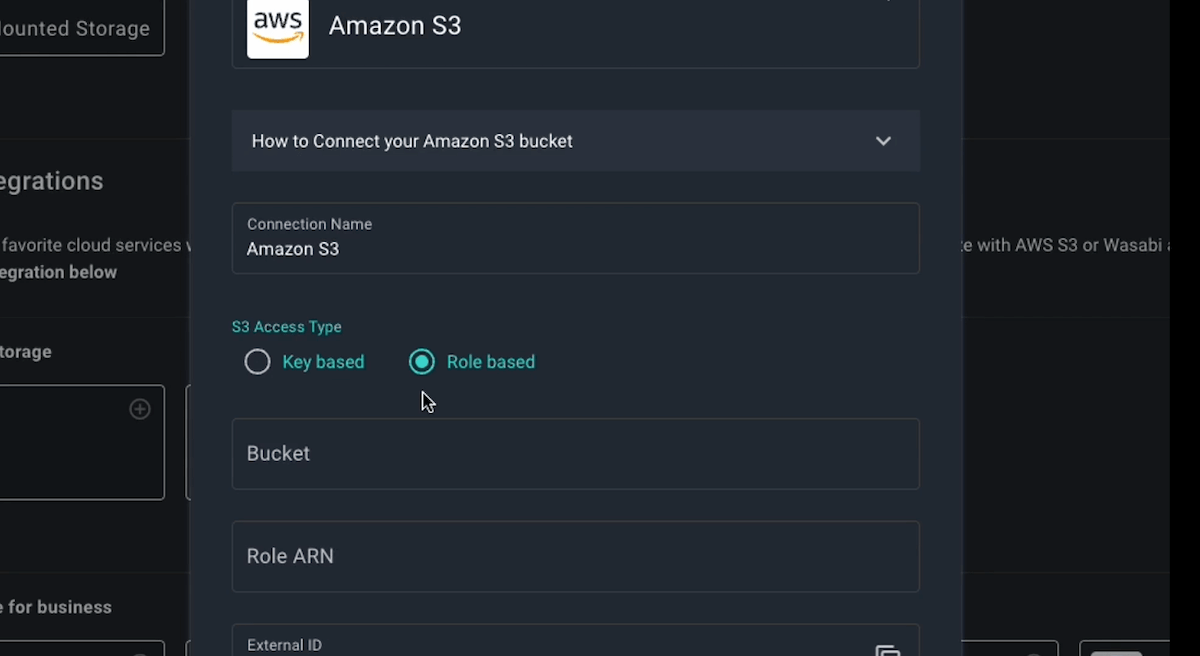
IAM Role-Based Access for Amazon S3
For users tired of non-stop key rotation but who need their Amazon S3 storage locked up tight, behold! MASV now offers role-based access for S3.
Users can now choose between key-based or IAM role-based access for greater flexibility and easier maintenance when managing storage access. The power of S3, without the irritation of key rotation = best of both worlds.
Check our help documentation on role-based S3 access.

Send Files From Iconik
Almost everyone knows how good MASV is at getting files into the Iconik media management and collaboration platform. What’s not quite as well known: You can now leverage MASV’s reliability, speed, and ease of use to get files out of Iconik, as well.
Just right-click on your assets, collection, or saved search, then hit the Send via MASV menu item to use MASV to send your goodies to recipients or destinations of your choosing. Sound like something you’d like? Hit up MASV support and they’ll sort you out.
Check our help documentation on sending files via MASV in Iconik.
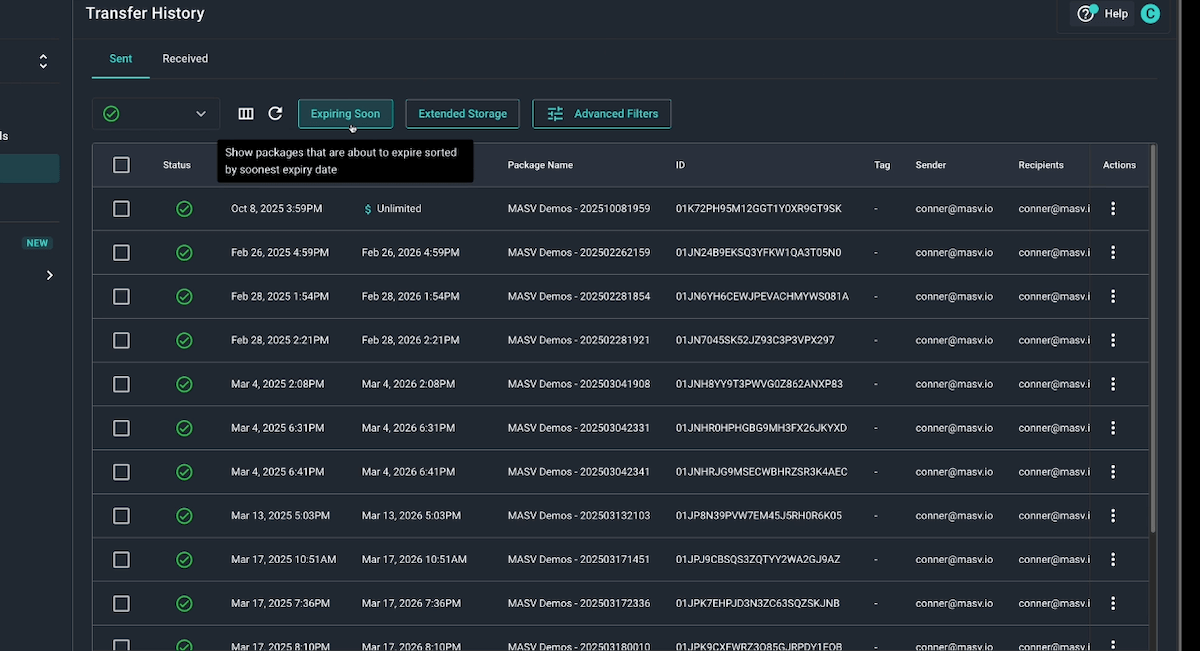
Improved Transfer History Filtering
Managing file transfer packages has gotten a lot easier thanks to a new and improved Transfer History experience:
- MASV Transfer History now includes quick filters showing which packages are expiring soon or are using Extended Storage, helping you monitor costs and deadlines at a glance.
- Users can identify active packages about to expire by selecting the new Expiring Soon filter.
- The Extended Storage filter helps you to quickly identify packages eligible to accrue costs around Extended Storage.
- Users can more easily find key information and set up advanced filtering to stay on top of operational costs and transfer activity.
These two new quick filters are joined by a new Advanced Filters button that improves the discoverability of existing filtering capabilities.
Check our help documentation on transfer history filtering.

OWC Jellyfish integration
For lovers of Other World Computing (OWC), we have news: MASV now integrates with OWC’s Jellyfish NAS. Send files directly to and from your Jellyfish with MASV. If you need to receive files, simply fire up a MASV Portal and enable the Jellyfish integration.
This integration is compatible with MASV Express to get your files even faster.
Check our help documentation on integrating MASV with OWC Jellyfish.

Live Upload Tracking
Our new Live Upload Tracking unlocks a new level of visibility by allowing you to track the progress of all incoming Portal uploads – along with the upload method – in real-time from your MASV Dashboard.
Notice a contributor trying to shove a massive file through a web browser? Spot the bottleneck instantly and get them to switch to the MASV Desktop App for a faster and more reliable upload experience – a lifesaver when you’re waiting on assets from freelancers or external contributors, regardless of whether they have a MASV account.
Check our help documentation on live upload tracking.
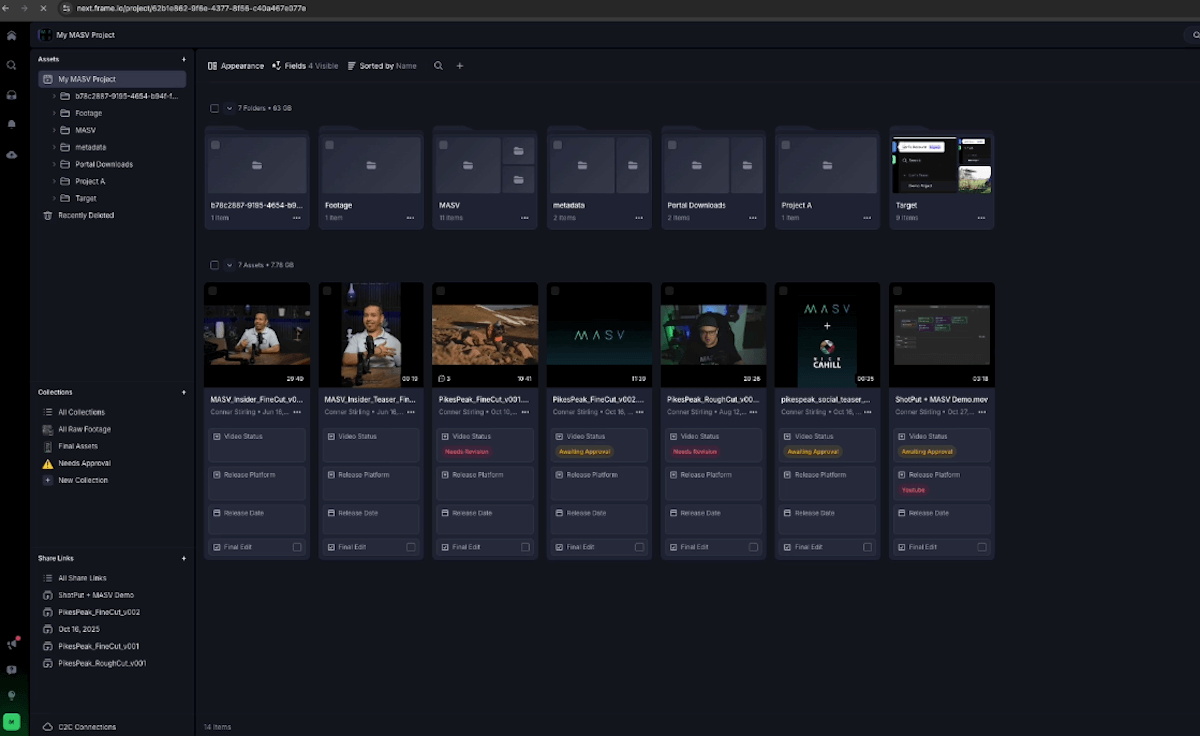
Frame.io V4 Integration
A previously announced product update, MASV now integrates directly with Frame.io V4. Connecting is easy – just authenticate with the Adobe ID you use for Frame.io, with no tokens required. And if you still need to use Frame.io Legacy (V3) with MASV, we’ve got you covered.
Check our help documentation on MASV’s Frame.io V4 integration.

Zipless Browser Downloads
Finally, a big quality of life update we also already covered in a previous product post, but is worth repeating: MASV zipless browser downloads.
MASV has helped users avoid zipping file uploads for years. And now, if you’re downloading using the MASV Web App, you can now skip the whole ZIP/unzip shuffle that leads to inefficiency and the potential for catastrophic file corruption.
Just select the “Skip the Zip” link in the window banner (if your file package meets the criteria for zipless downloads) and set your download location, and let MASV handle the rest.
Check our help documentation on zipless browser downloads.
Find Your Perfect (Feature) Match With MASV
Like everything else around here, the MASV engineering team is relentlessly reliable – almost too much so, because they release new features faster than we can keep up!
We’re confident your file transfer workflows will benefit from these new MASV capabilities, including:
- Dynamic Package Routing with Custom Metadata
- File Routing Filters for Portal Integrations
- Role-Based Access for Amazon S3
- Send From Iconik
- Improved Transfer History Filtering
- Live Upload Tracking
- OWC Jellyfish Integration
- Frame.io V4 Integration
- Zipless Browser Downloads
Found your perfect match yet? Want to learn more? Just sign up for MASV for free and start exploring MASV’s intelligent managed file transfer capabilities.
Demolish your deadlines with MASV
Make file movement the easiest part of your day with MASV intelligent managed file transfer.